Hello. For customers who have a Nihon SIM+ contract, whether a 1-year contract or a no-contract plan, you can use the My berry website to check your customer information, the phone number under your contract, and the details and price of your current package. The following will explain in detail how to use the My berry website.
How to Log In to the My berry Website
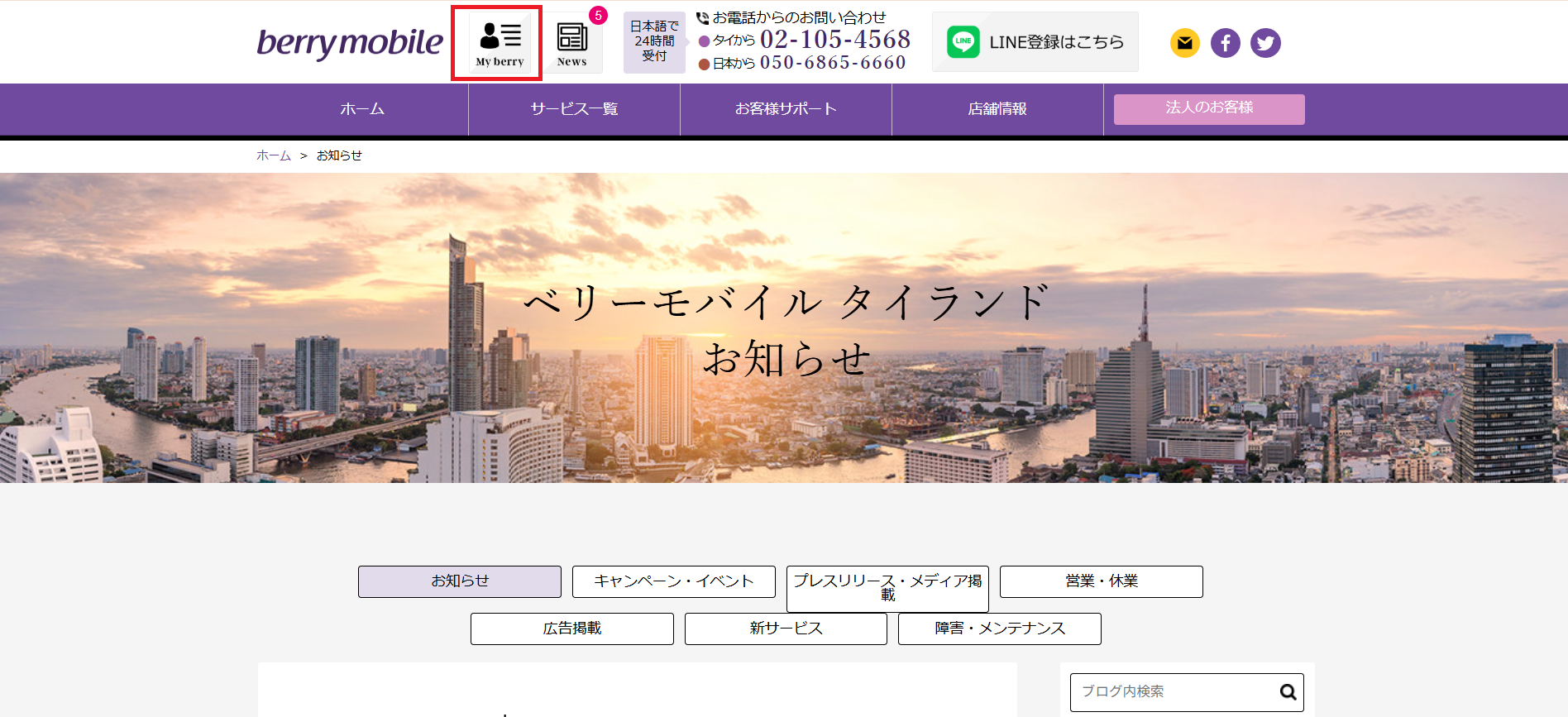
Go to https://www.berrymobile.jp/thailand/information/13274, then click the My berry menu at the top left of the website.
The website will then take you to the log-in page. Please enter the email address you provided to us when you made your contract. (If the website is displayed in Japanese, you can switch to English from the menu at the top of the website.)
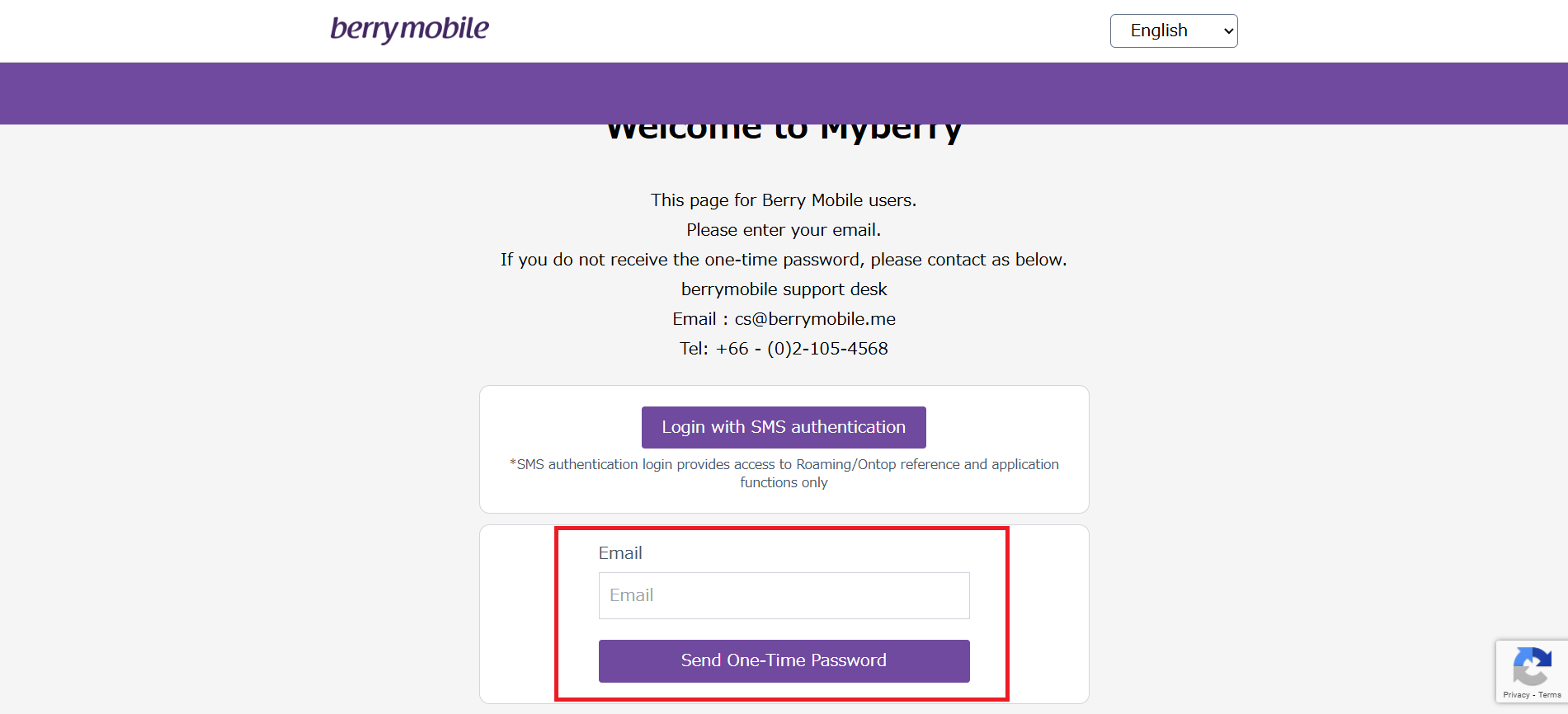
After entering your email and clicking the "Send One-Time Password" button, an OTP will be sent to the email address you entered on the first page. (If you do not receive the OTP at that email address, please contact us so we can check whether the email you entered matches the email on file in our system.)
Once you receive the email, you will see a message titled "MyBerry OTP." Please open this email — inside you will find the OTP code that you need to use to log in on the website.
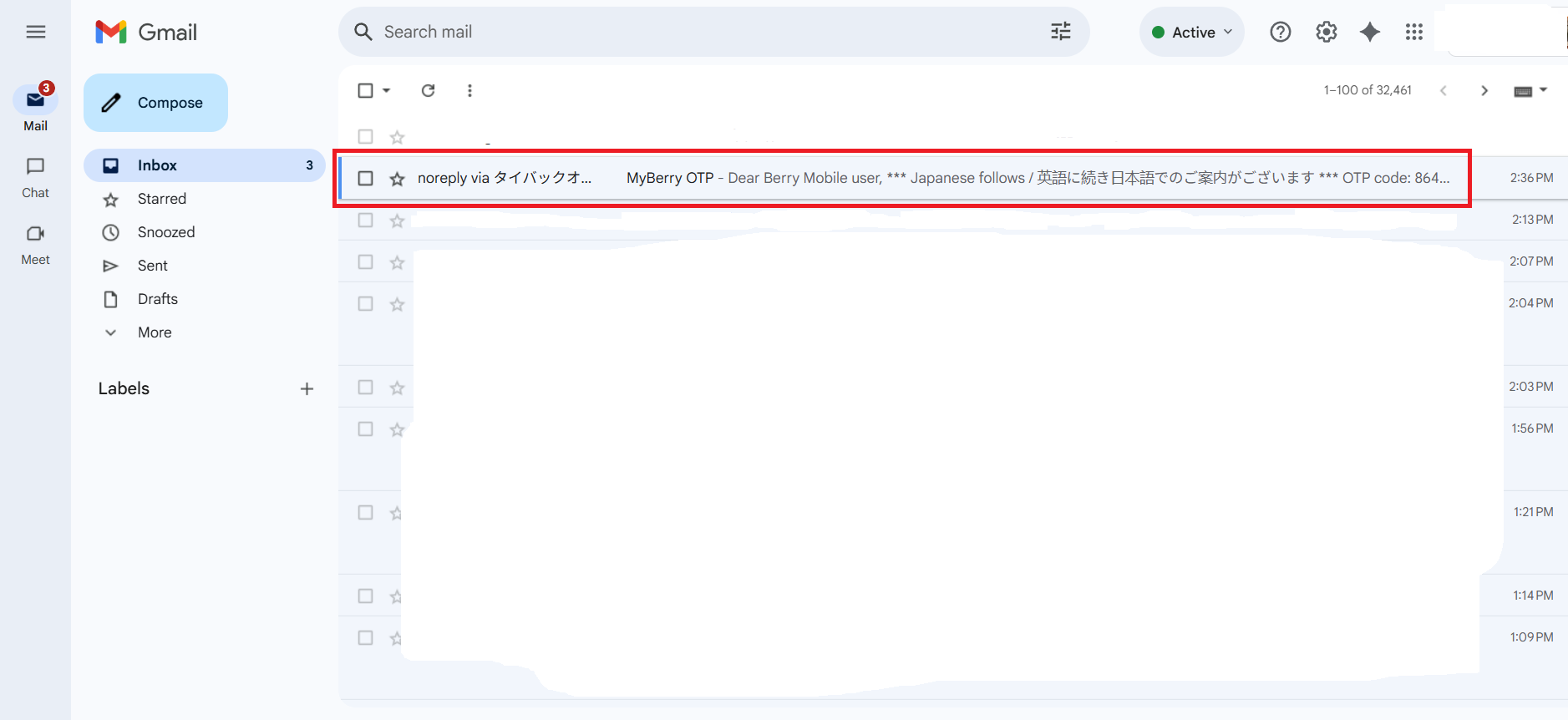
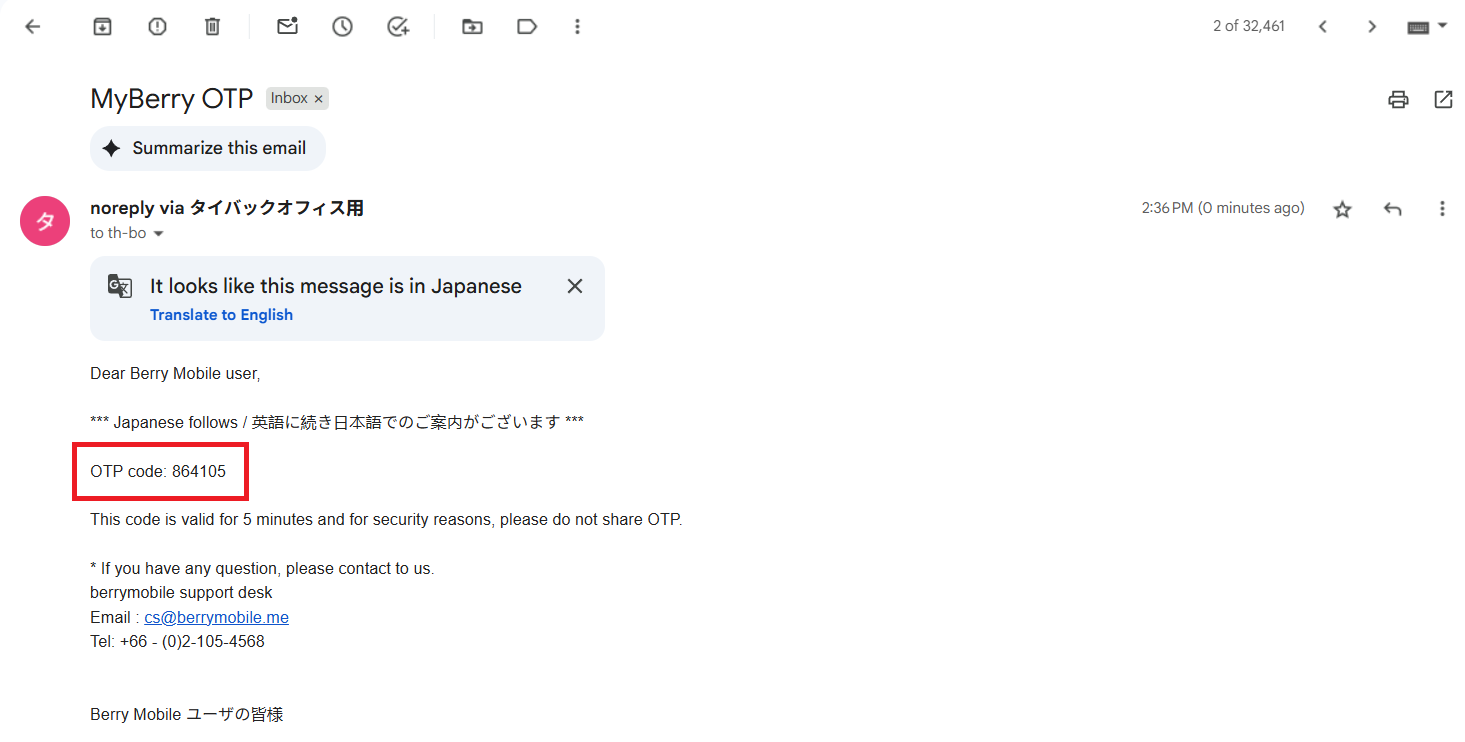
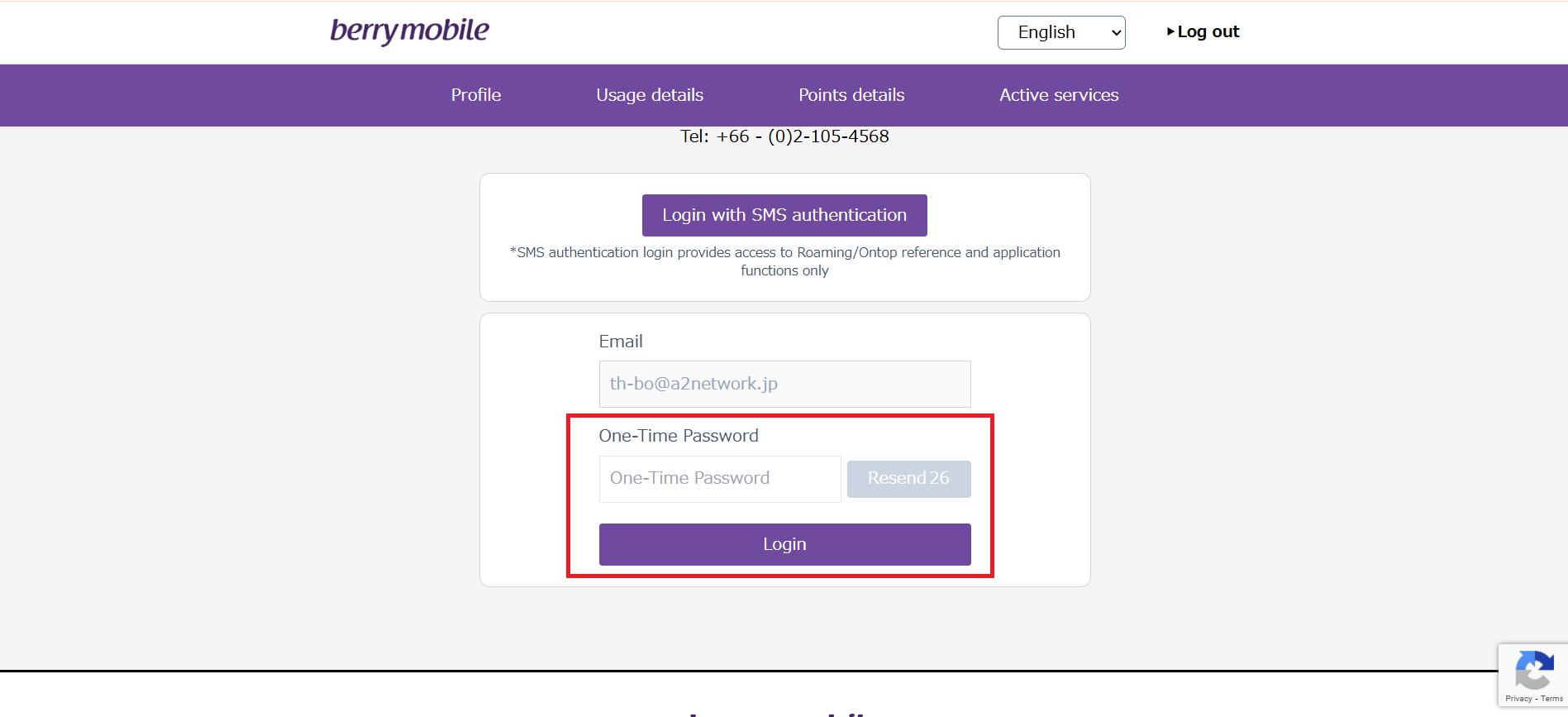
Copy the OTP code and enter it in the One-Time Password field, then click "log in" on the website.
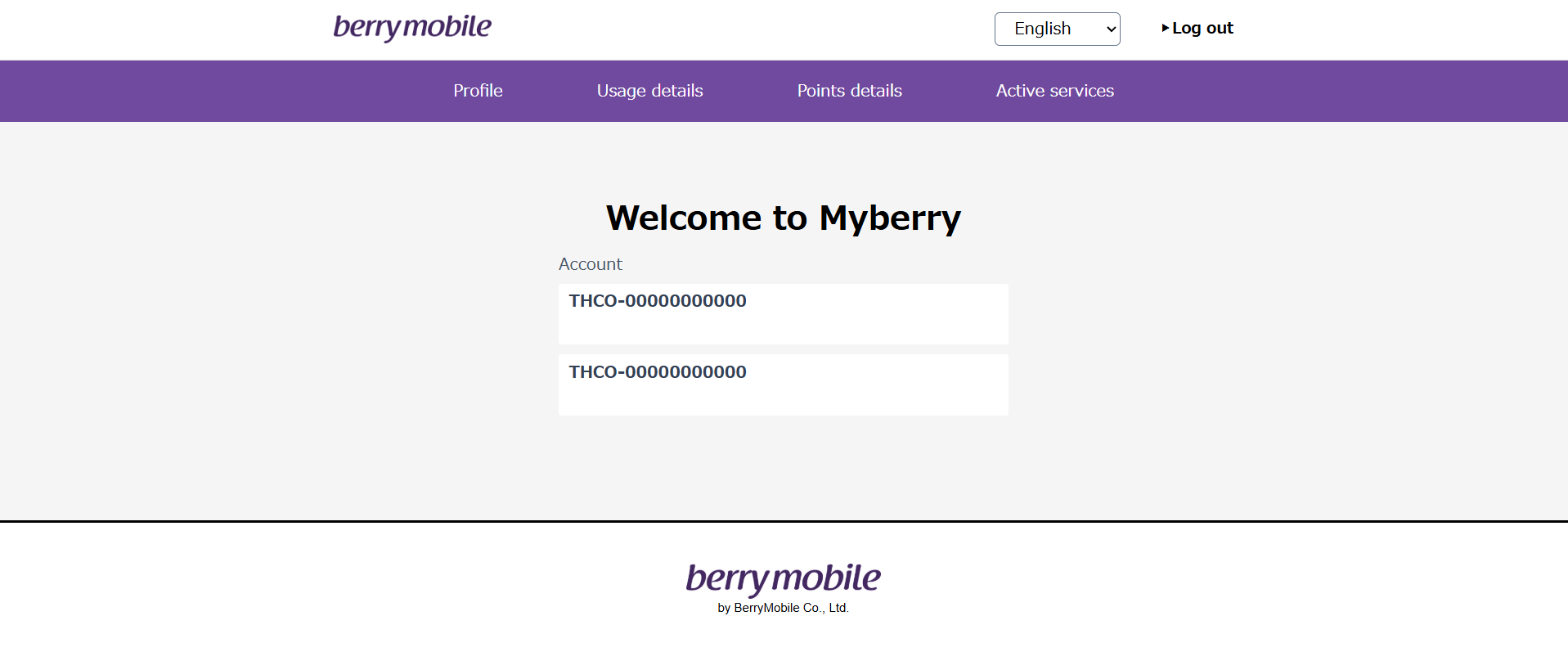
If your email is linked to multiple accounts, this page will show all of your accounts. You will need to select the correct account. Once selected, the next page will show several options as follows:
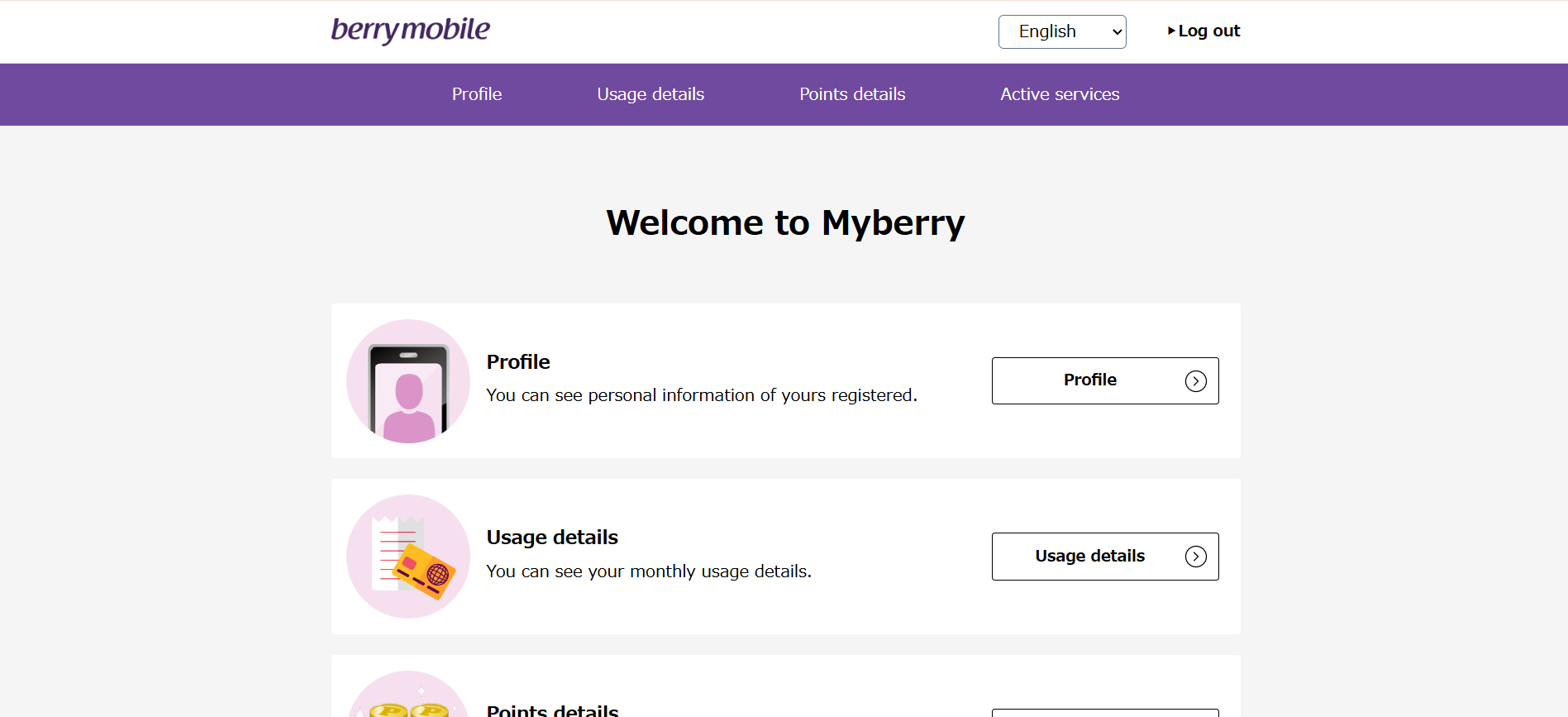
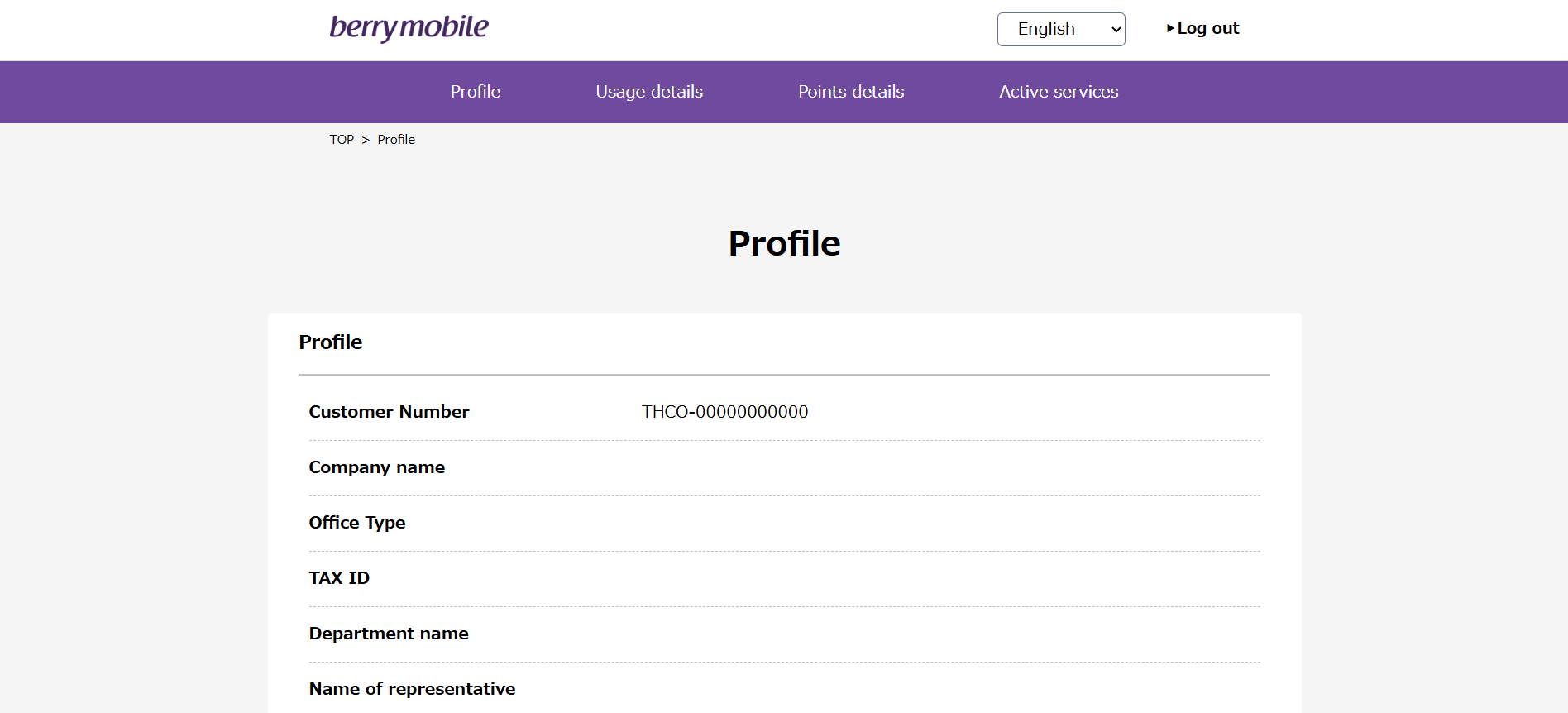
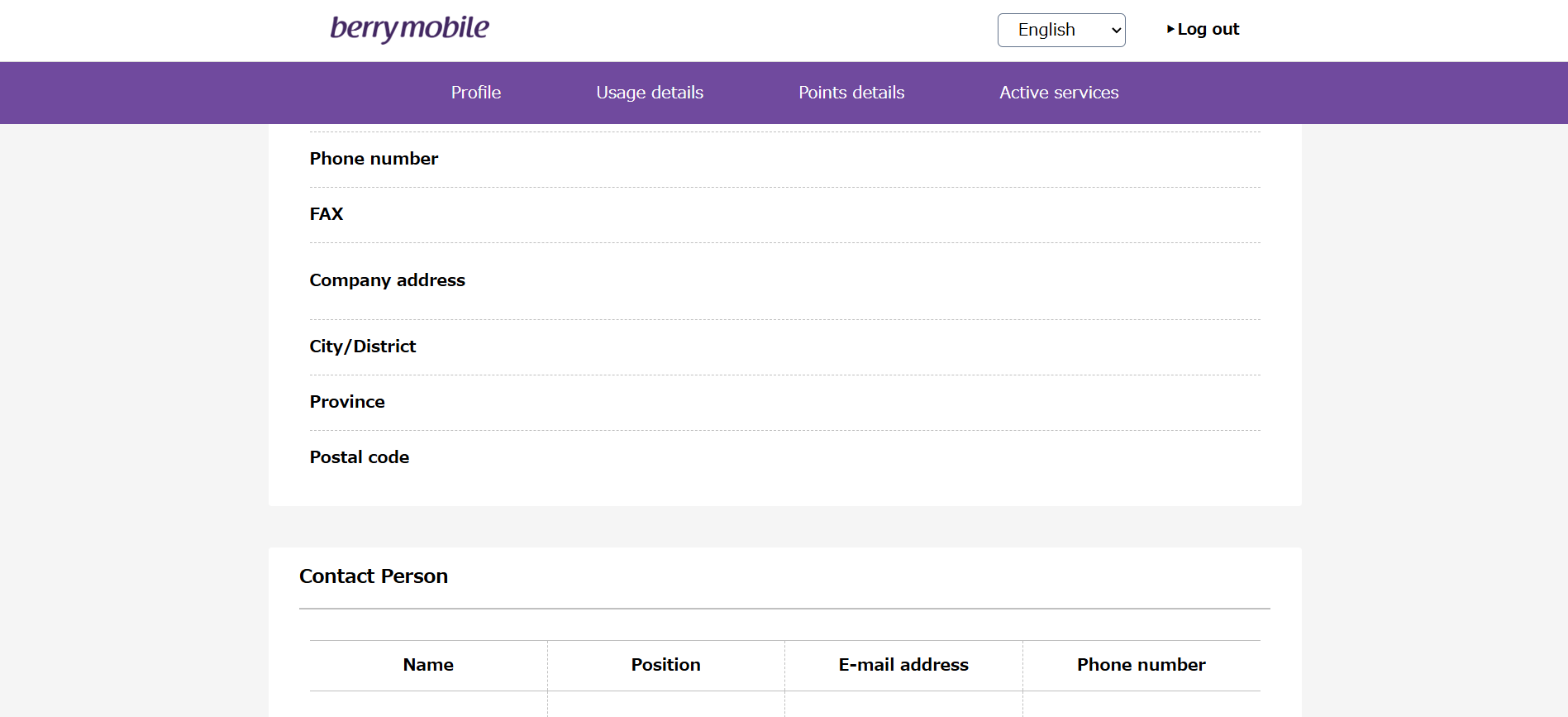
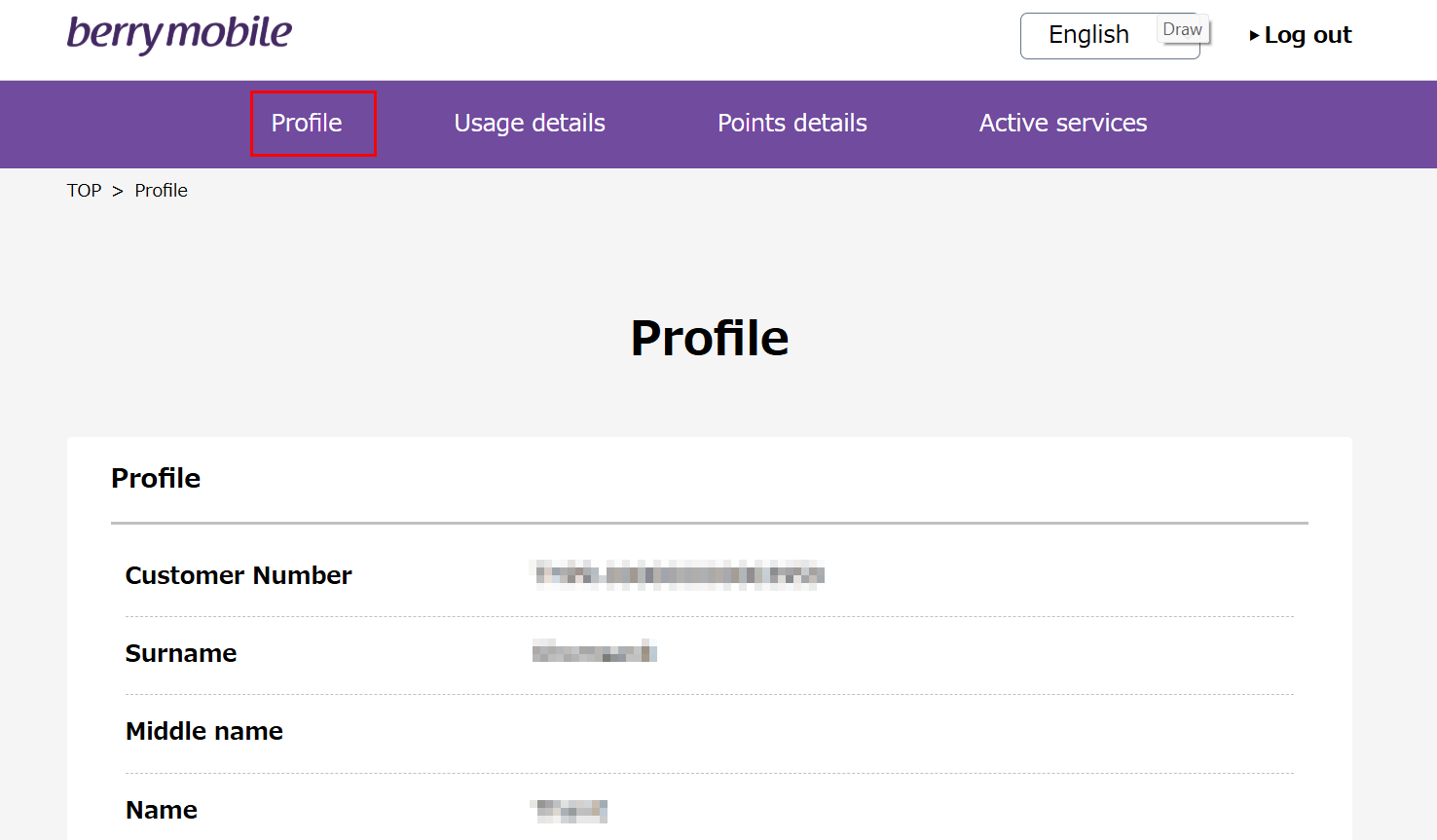
Profile: Displays your customer information, such as your name, address, and contact phone number.
Usage details: This page has two submenus:
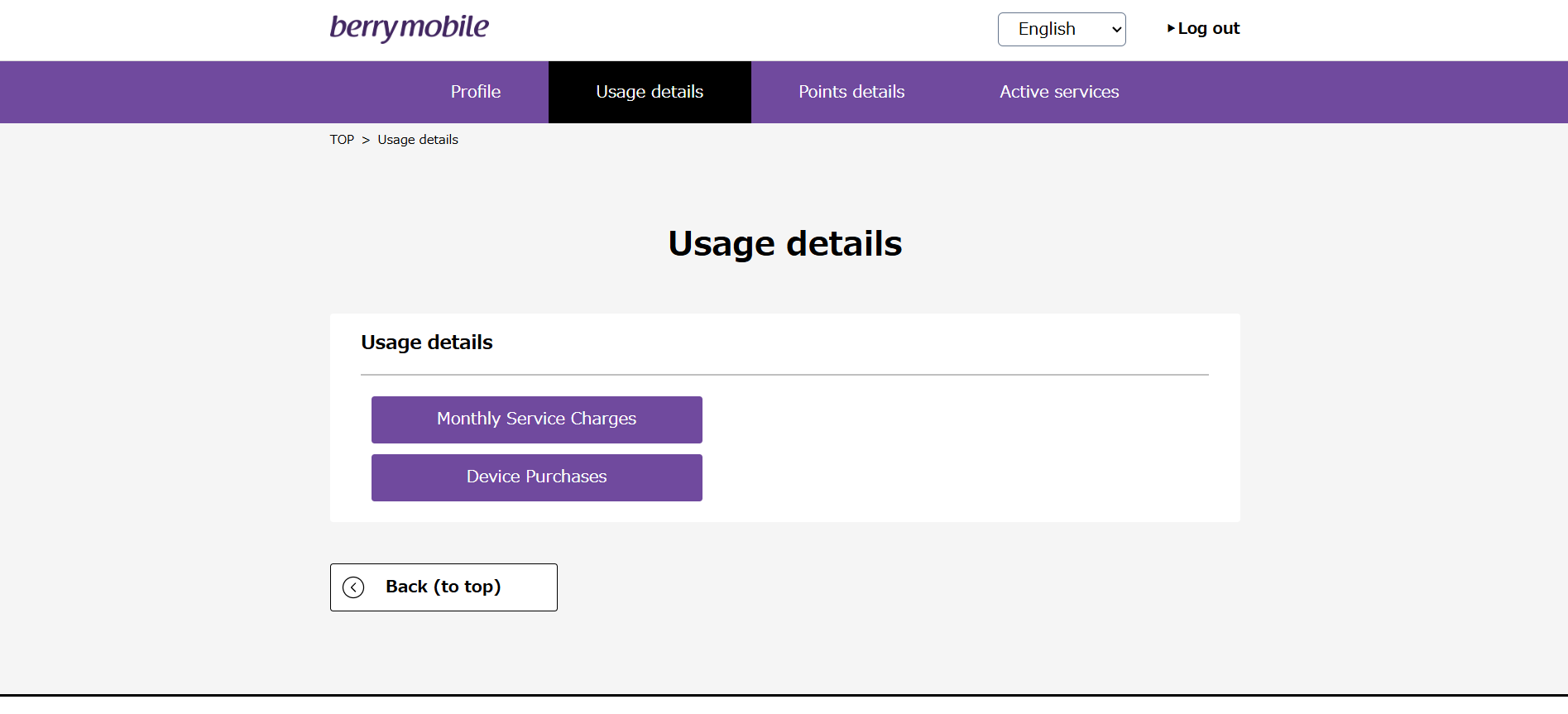
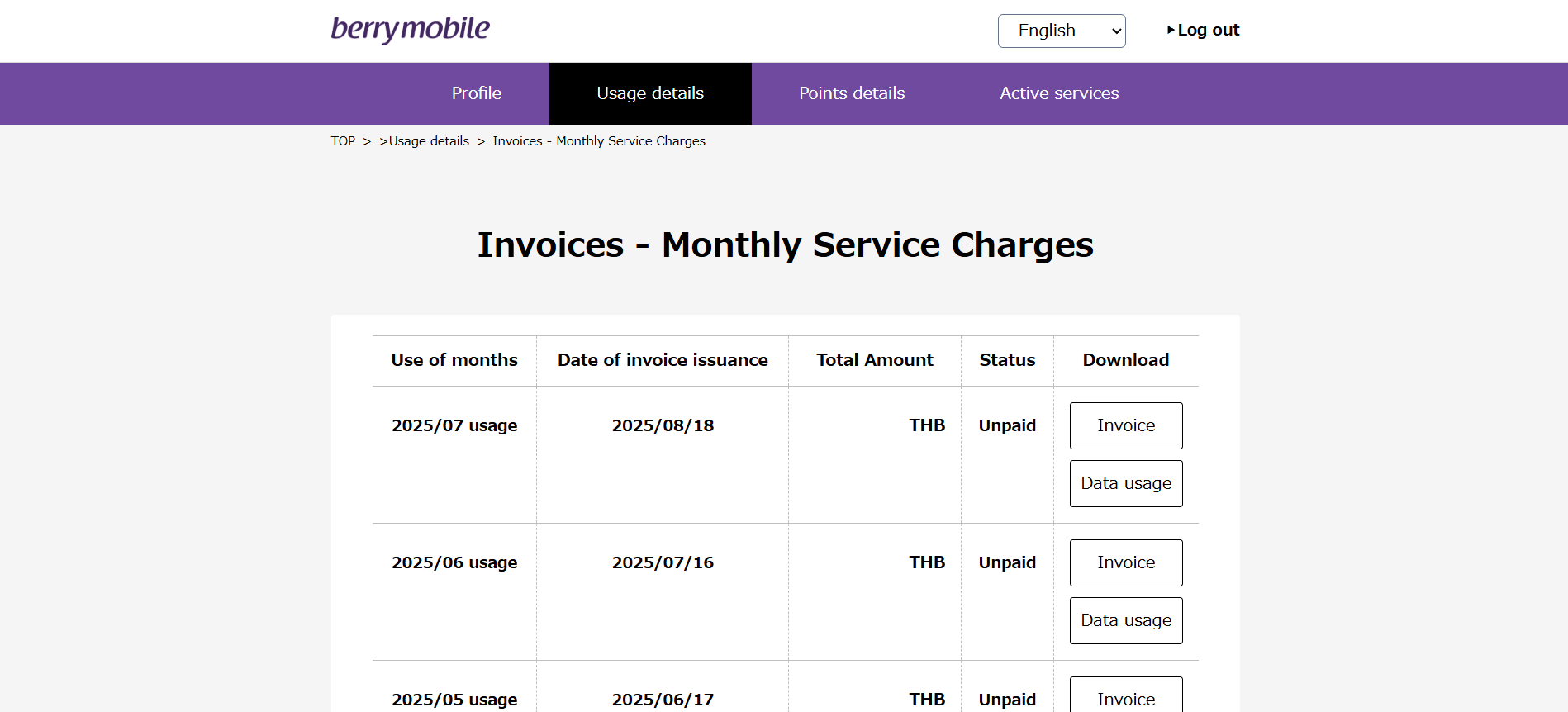
— Monthly Service Charges: Displays your billing information for previous months.
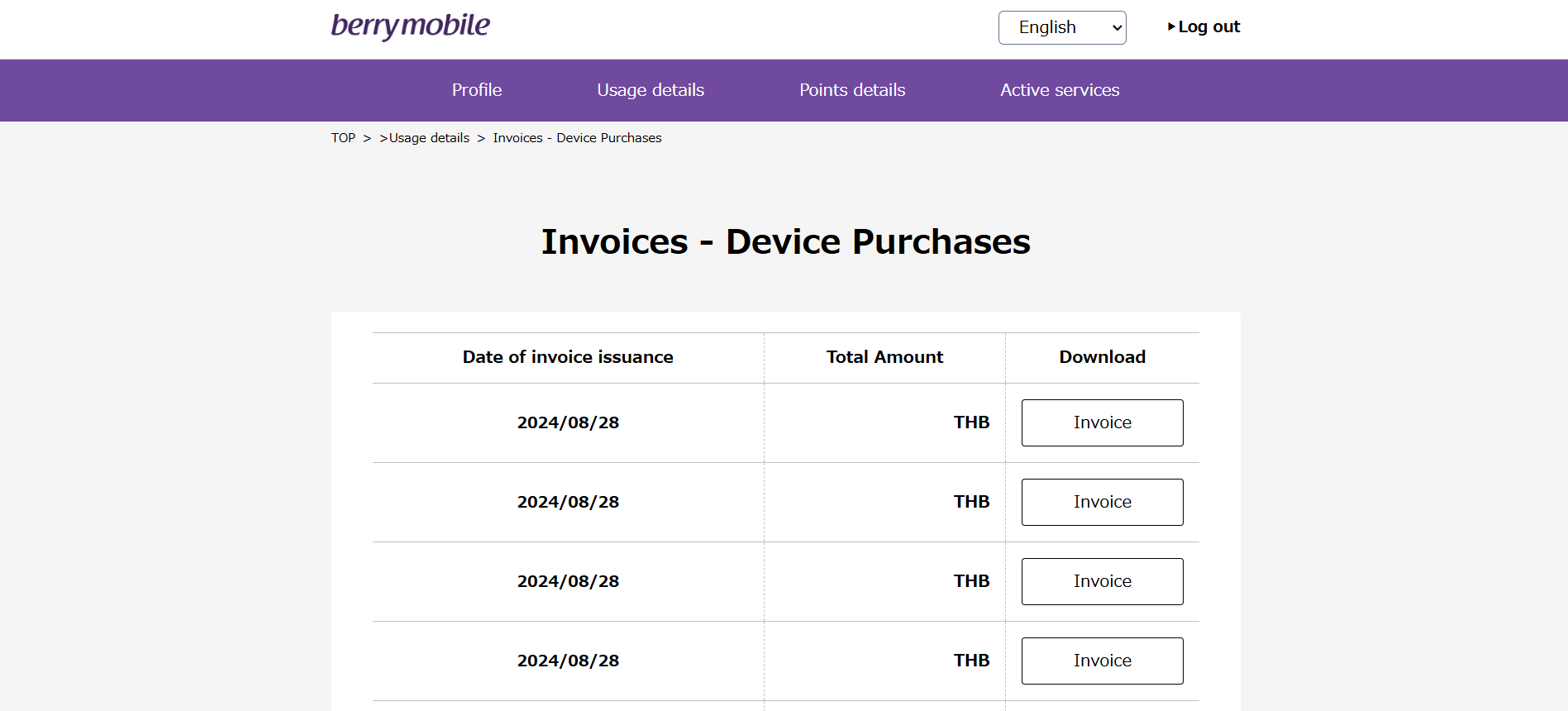
— Device Purchases: Displays billing information for products you purchased from BerryMobile, such as handsets or SIM cards for use overseas.
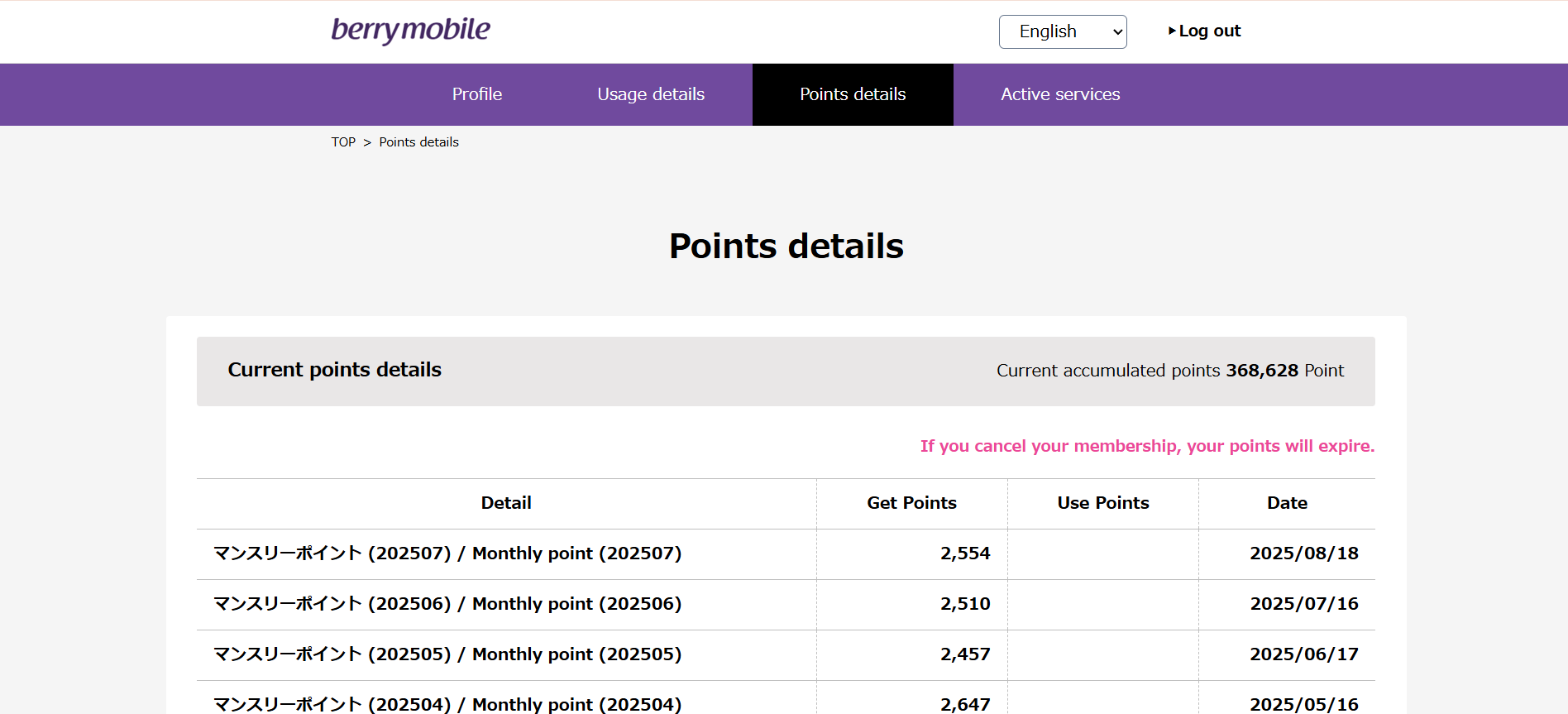
Points details: This page shows the number of points you have earned each month, calculated at 1 point for every 50 THB in monthly charges. Once you have accumulated enough points, you can redeem them for products or services from BerryMobile.
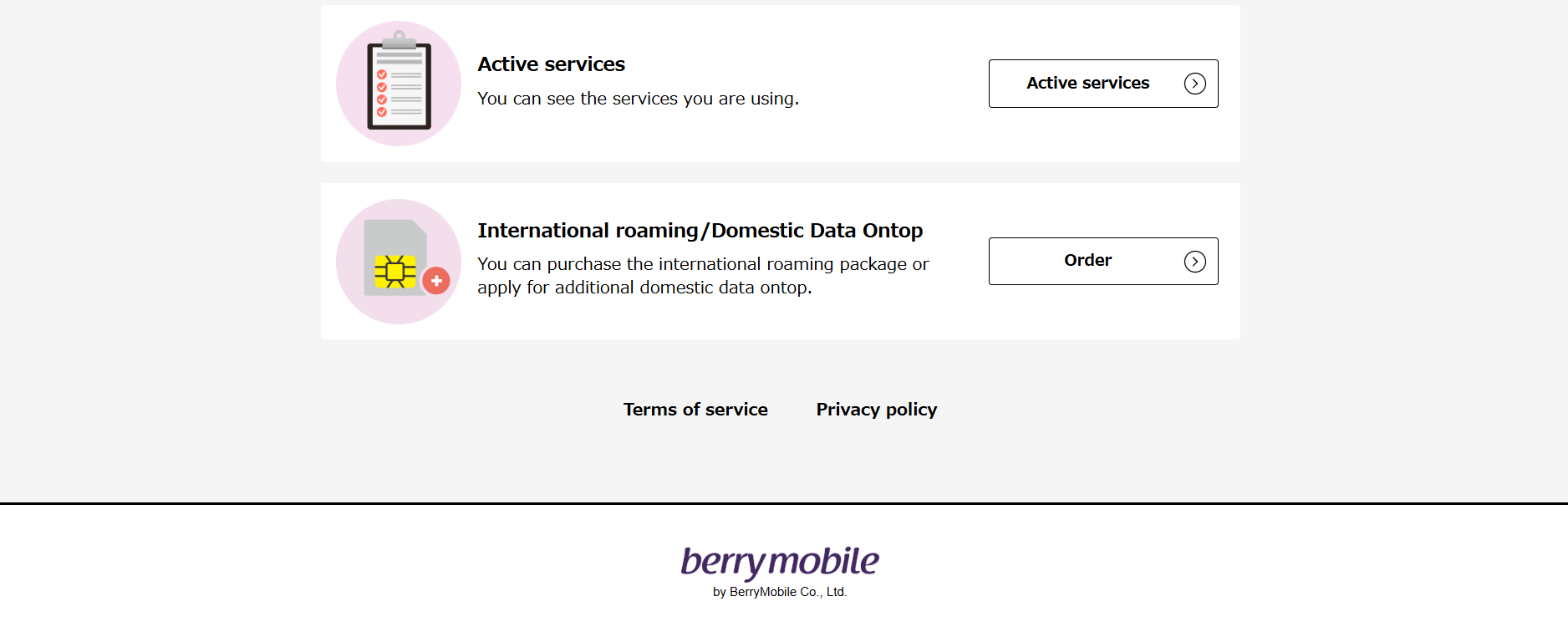
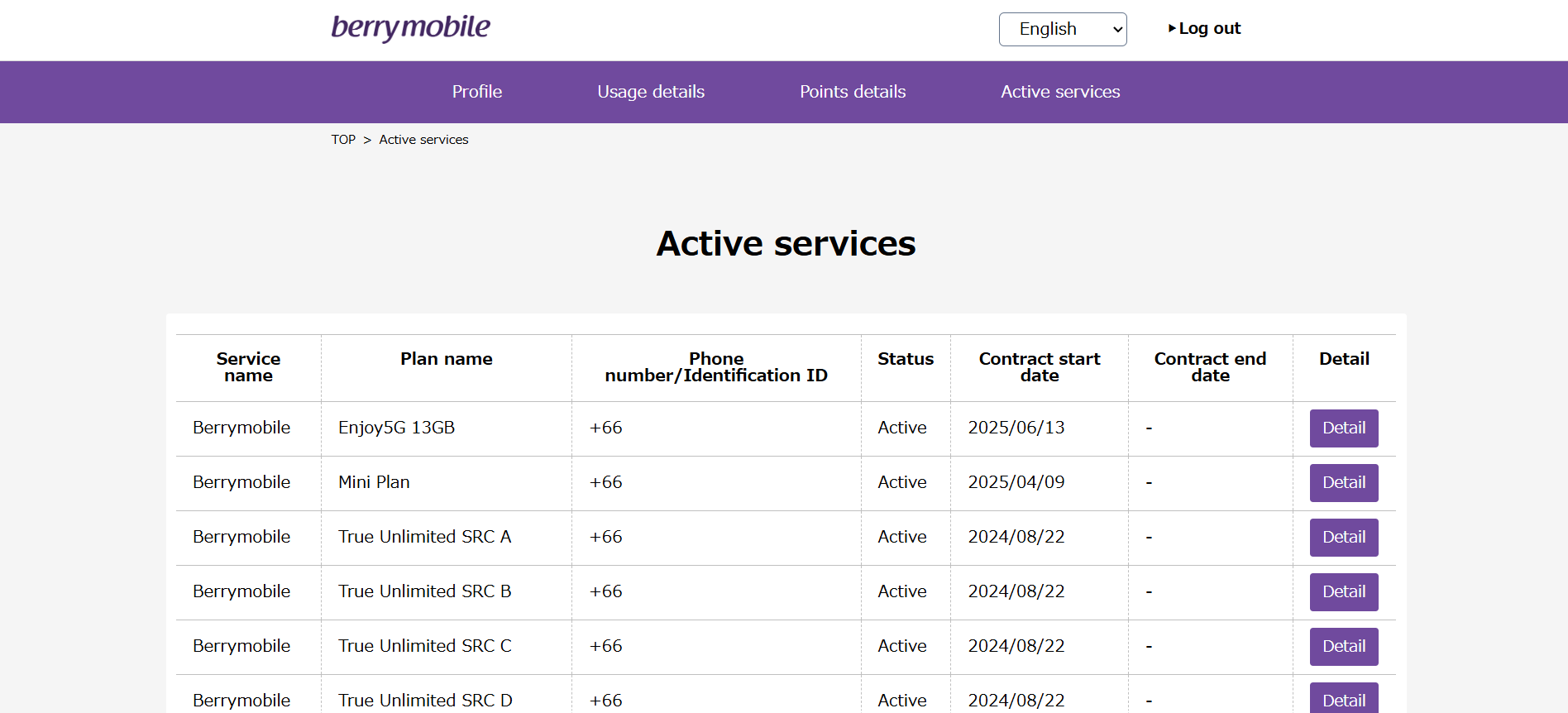
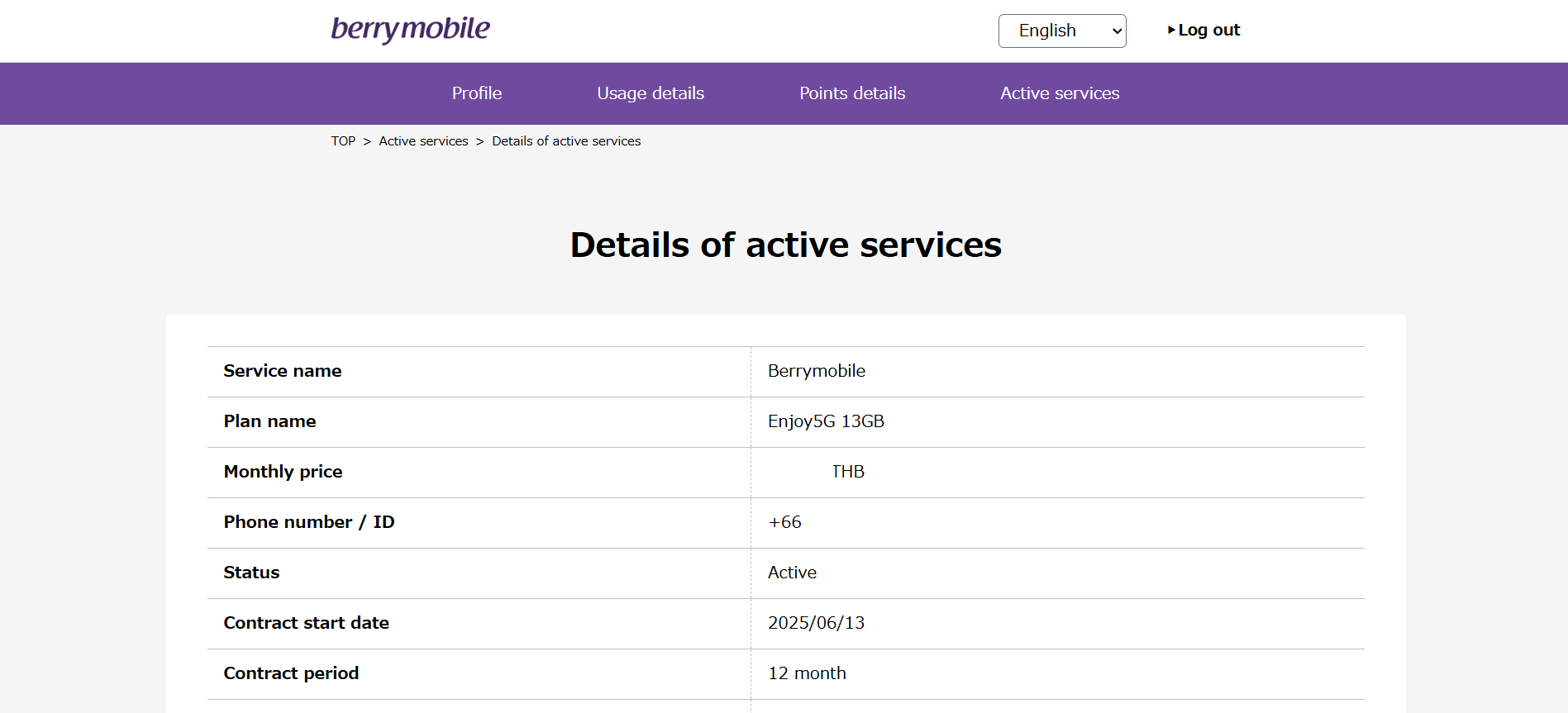
Active services: This page shows all phone numbers under contract with us as well as all phone numbers you have cancelled. Clicking the Detail button will show the details for that number, including the phone number, the package in use, the monthly price, the contract start date, and so on.
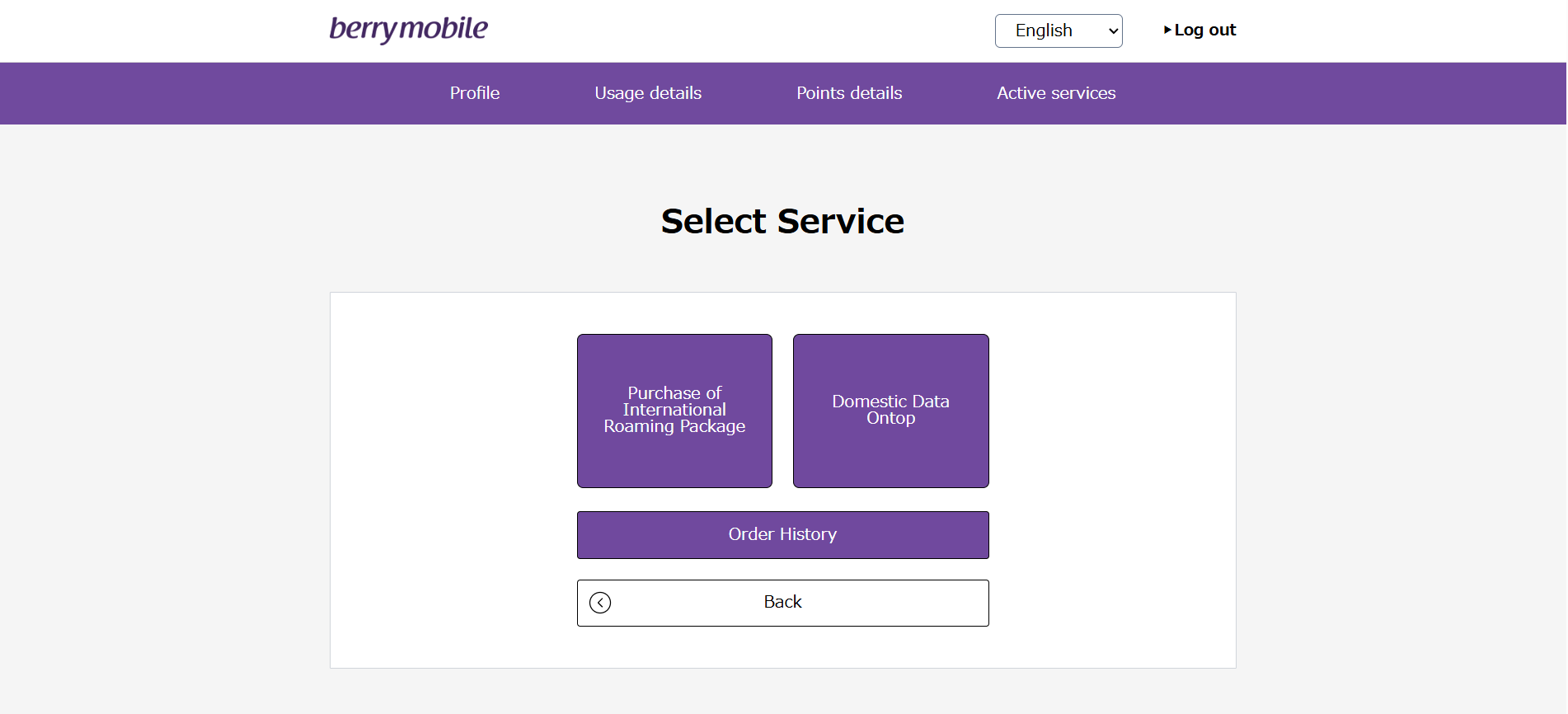
International roaming/Domestic Data Ontop: This page allows customers with a Thai phone number contract (AIS/TRUE) under BerryMobile to apply for a Roaming package or an Ontop package themselves. (Customers using Nihon SIM+ cannot use this service, per the terms of the product.)
How to Enter/Update Your Credit Card Information via the My berry Website
To have a monthly Nihon SIM+ contract with BerryMobile, our company's terms require that you pay your monthly charges by credit card only. We would therefore like to explain the steps for entering your credit card information with BerryMobile as follows:
On the Profile menu page of the My berry website, scroll down to the Payment Method section, then click the "Card Information" button.
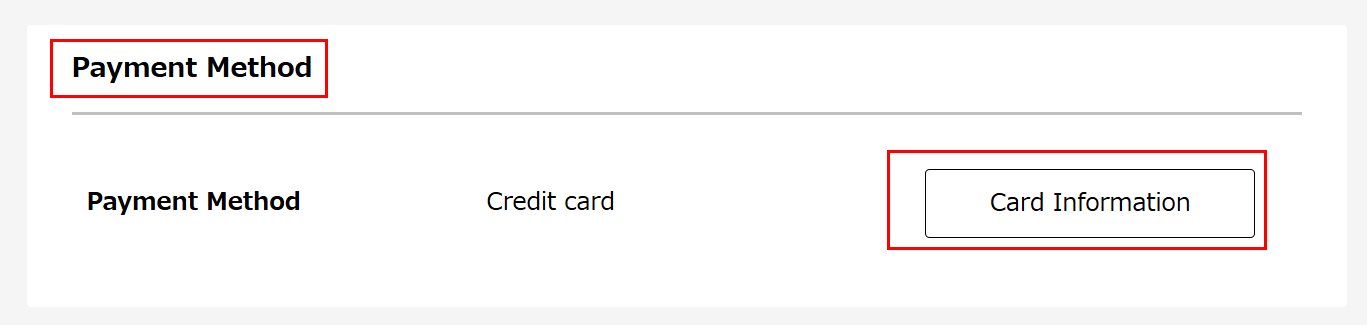
A menu will then appear for you to enter your credit card information (if you have not entered it before) or to update your credit card information with a new card (if you have entered it before).
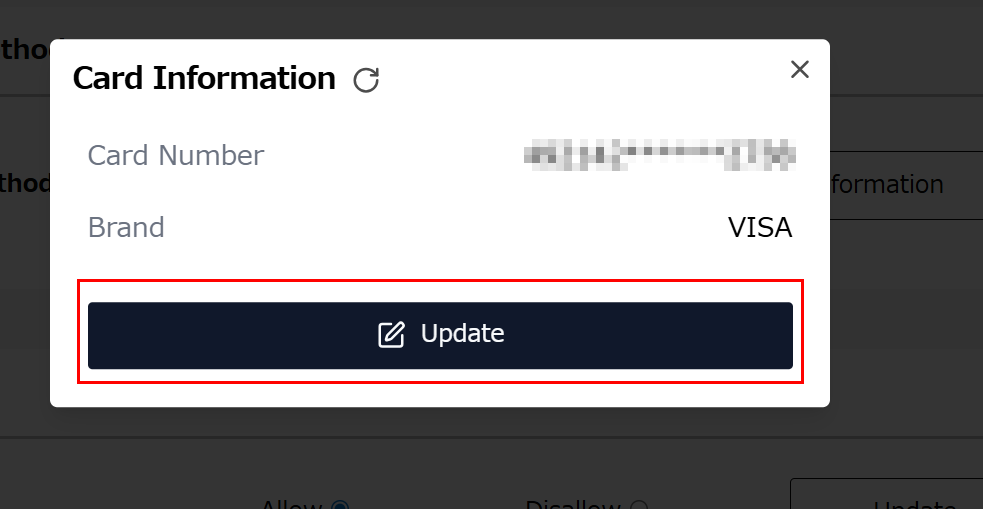
After entering your credit card information or updating it with a new card, the system will make a trial charge of 1 THB to your card to confirm that it is valid, and will refund this amount to you afterward. You will also receive a notification from Kasikorn Bank confirming the successful payment.
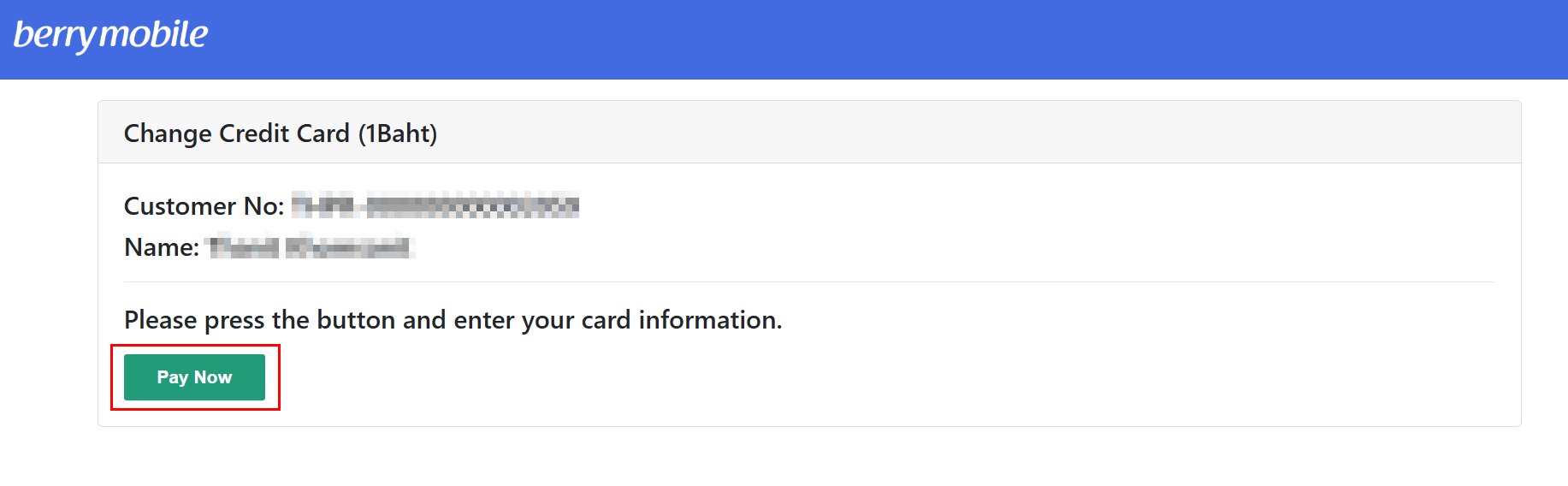
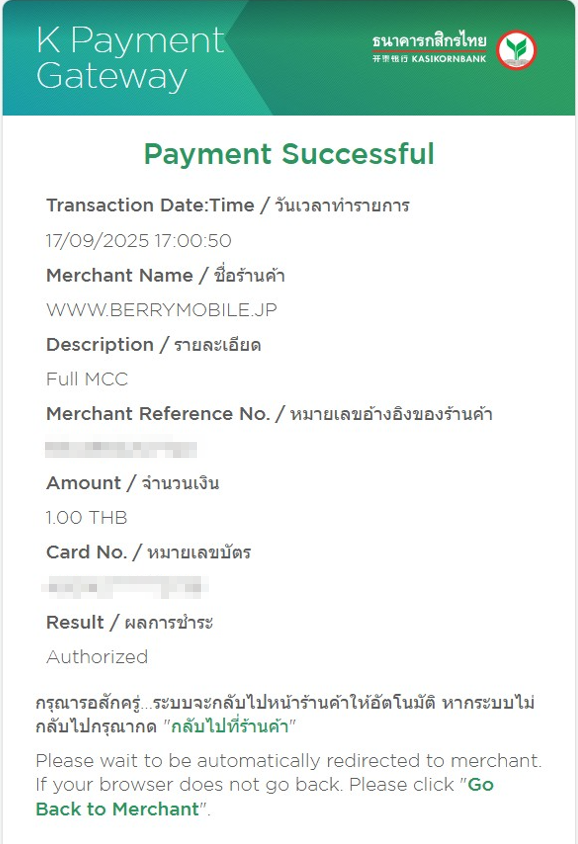
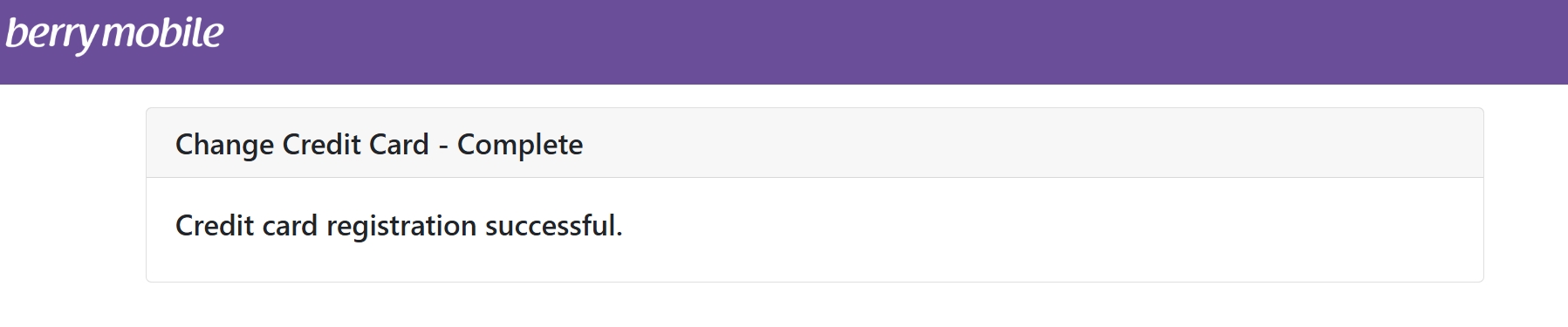
After the trial charge of 1 THB to your card is complete, and once you have received the notification from Kasikorn Bank confirming the successful payment, the BerryMobile system will also display a notification to you.